
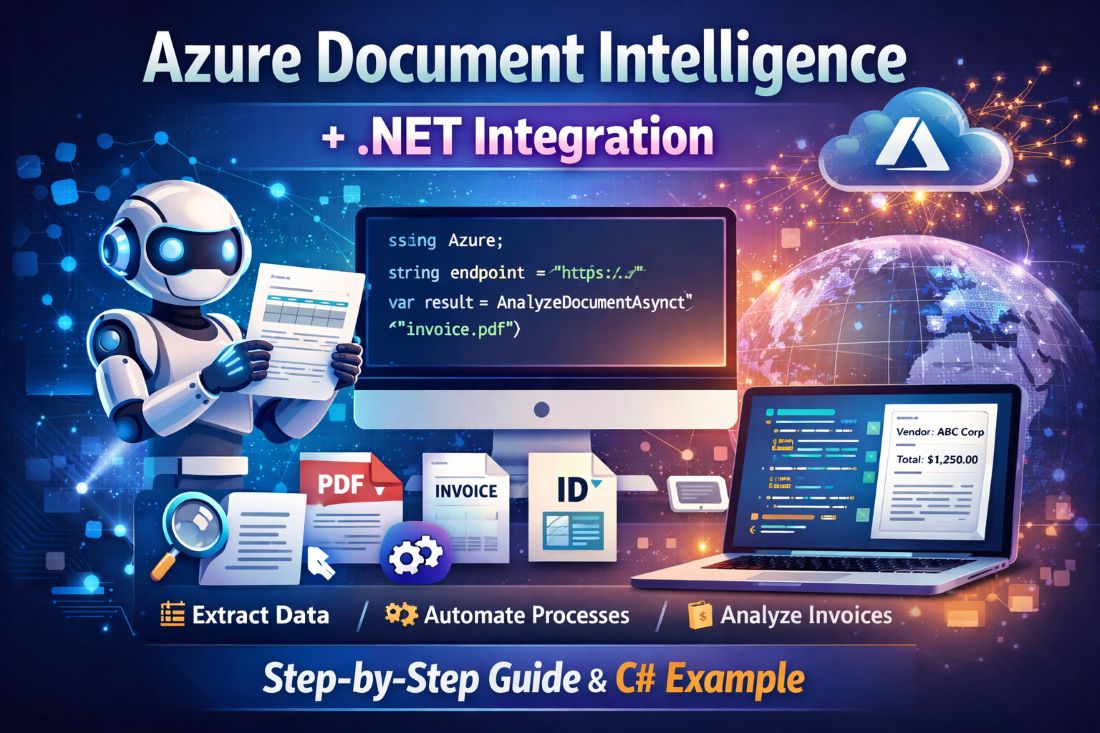

In today’s digital world, companies handle thousands of documents every day. These documents include invoices, contracts, forms, ID proofs, receipts, and reports. Manually reading and extracting data from these documents takes time and effort.
This is where Azure Document Intelligence helps.
Azure Document Intelligence is a powerful AI-based cloud service from Microsoft. It helps you automatically extract text, tables, and structured data from documents using artificial intelligence.
Earlier, it was known as Azure Form Recognizer. Now, Microsoft has enhanced it with more intelligent AI capabilities.
In this article, you will learn:
- What is Azure Document Intelligence?
- Real-world use cases
- How to start using it
- How to integrate it into a .NET application
- Best practices for beginners
Let’s begin.
What is Azure Document Intelligence?
Azure Document Intelligence is a cloud-based AI service that reads documents and extracts useful information from them.
It can understand:
- PDF files
- Scanned images
- Word documents
- Forms
- Invoices
- Receipts
- Identity documents
Instead of manually typing data into your system, you can let AI do the work.
For example:
If you upload an invoice, Azure Document Intelligence can automatically extract:
- Invoice number
- Vendor name
- Date
- Total amount
- Line items
This makes your applications smarter and faster.
Why Should You Use Azure Document Intelligence?
Here are some practical benefits:
1. Save Time
AI extracts data in seconds. You reduce manual effort.
2. Reduce Errors
Manual data entry can cause mistakes. AI improves accuracy.
3. Automate Business Processes
You can connect it with workflows, ERP systems, or SharePoint.
4. Works with Existing Systems
You can easily integrate it with:
- ASP.NET applications
- .NET Core APIs
- Azure Functions
- SharePoint solutions
Real-World Use Cases
Here are common industries using Azure Document Intelligence:
🏦 Banking
Extract KYC data from ID documents.
🏥 Healthcare
Read patient forms and insurance claims.
🛒 Retail
Process invoices and receipts automatically.
📄 HR Departments
Extract resume information and employee documents.
How to Start with Azure Document Intelligence
Follow these simple steps:
Step 1: Create an Azure Account
Go to the Azure Portal and create an account if you do not have one.
Step 2: Create a Document Intelligence Resource
Search for Azure Document Intelligence in the portal and create a new resource.
Choose:
- Subscription
- Resource Group
- Region
- Pricing tier
After deployment, you will get:
- Endpoint URL
- API Key
You need these for integration.
Step 3: Use Document Intelligence Studio (Optional but Recommended)
Microsoft provides a web tool called Document Intelligence Studio where you can test your documents without writing code.
You can:
- Upload a document
- Select a prebuilt model (Invoice, Receipt, ID)
- View extracted results
This helps beginners understand how it works before coding.
Prebuilt Models Available
Azure Document Intelligence provides ready-made models such as:
- Prebuilt Invoice Model
- Prebuilt Receipt Model
- Prebuilt ID Document Model
- Layout Model (extracts text and tables)
You can also train custom models for your own document format.
How to Use Azure Document Intelligence in a .NET Application
Now let’s see how you can use it in a .NET project.
We will use:
- .NET 6 or later
- NuGet package
- API Key authentication
Step 1: Install NuGet Package
Install the Azure AI package in your .NET project:
dotnet add package Azure.AI.FormRecognizerStep 2: Write Code to Analyze a Document
Here is a simple example to analyze an invoice:
using Azure;
using Azure.AI.FormRecognizer.DocumentAnalysis;

string endpoint = "YOUR_ENDPOINT";
string apiKey = "YOUR_API_KEY";

var client = new DocumentAnalysisClient(
    new Uri(endpoint),
    new AzureKeyCredential(apiKey));

using var stream = File.OpenRead("invoice.pdf");

AnalyzeDocumentOperation operation =
    await client.AnalyzeDocumentAsync(
        WaitUntil.Completed,
        "prebuilt-invoice",
        stream);

AnalyzeResult result = operation.Value;

foreach (var document in result.Documents)
{
    Console.WriteLine($"Vendor Name: {document.Fields["VendorName"].Content}");
    Console.WriteLine($"Invoice Total: {document.Fields["InvoiceTotal"].Content}");
}
This code:
- Connects to Azure
- Sends a document
- Extracts invoice details
- Prints them in the console
You can store this data in:
- SQL Database
- SharePoint List
- ERP system
- CRM
How the Flow Works
- User uploads document
- .NET app sends document to Azure
- Azure AI analyzes document
- Structured JSON response returns
- Your application processes and saves data
Simple and powerful.
Best Practices for Beginners
- Always secure your API keys
- Use environment variables instead of hardcoding keys
- Start with prebuilt models
- Use small test documents first
- Handle exceptions properly
Azure Document Intelligence vs Traditional OCR
Traditional OCR only reads text.
Azure Document Intelligence:
- Understands document structure
- Extracts key-value pairs
- Identifies tables
- Uses AI for better accuracy
It is much smarter than basic OCR tools.
Final Thoughts
Azure Document Intelligence makes document processing easy, fast, and reliable. You do not need complex AI knowledge to use it. If you know .NET and basic Azure concepts, you can build powerful document automation systems.
For developers working in the Microsoft ecosystem, this service opens new opportunities to create intelligent applications.
If your business handles many documents daily, now is the right time to explore Azure Document Intelligence.










Leave a Reply