

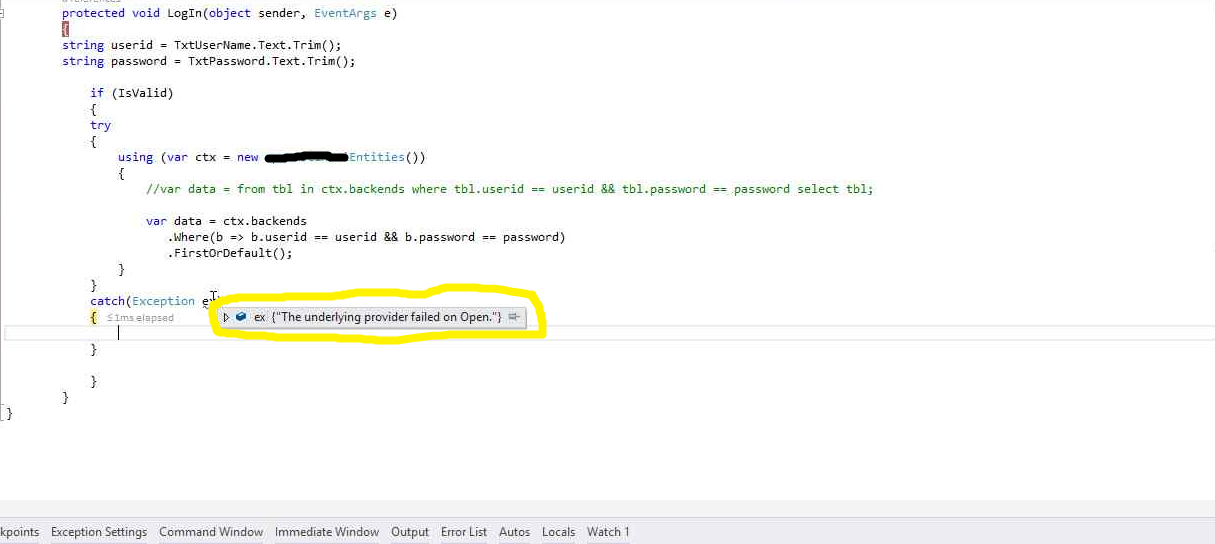
I found this error – “The underlying provider failed to open” while I was working on Entity framework project.
I searched this and found the solution.
Inner Exception says: Cannot open database “xxxx” requested by the login. The login failed.
Login failed for user ‘xxxxx’.
How to solve underlying Provider failed error?
Go to web.config and make changes in entity framework connection string
replace integrated security=True with User ID=xx;Password=xxxxx
Other Blogs on Entity framework-
- Introduction to Entity Framework
- Create login module using Entity framework
- Error- Data binding directly to a store query (DbSet, DbQuery, DbSqlQuery) is not supported
- How to Insert data to SQL using Entity framework
Keep following – SharePointCafe.Net – A technical blog on SharePoint, ASP.Net, Cloud Computing










Leave a Reply