

Migrate SharePoint 2010 to SharePoint 2013, Step by Step
In this blog, I will explain about migration from SharePoint 2010 to SharePoint 2013 which I did.
Prerequisite
Be ready with a new SharePoint 2013 Farm
The first Step is related to Database as Data is important.


In this blog, I will explain about migration from SharePoint 2010 to SharePoint 2013 which I did.
Prerequisite
Be ready with a new SharePoint 2013 Farm
The first Step is related to Database as Data is important.
To avoid data loss first set Database to read only.
To do this go to Sql Management Studio, right click on the Database and select properties.
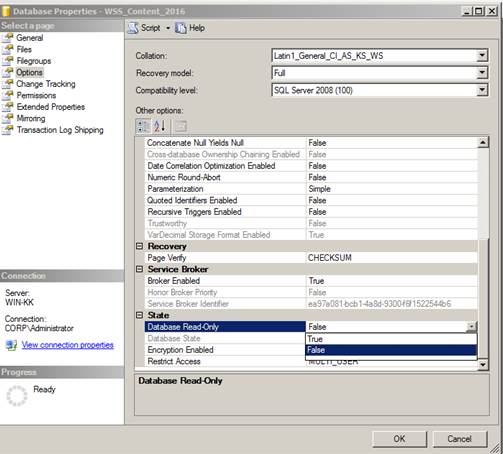
Now take the backup of the Database(s) that you want to upgrade.
Now Restore the Database(s) to SharePoint 2013 environment.
We need to map new Farm id.
We can get Farm id by using below command in PowerShell window.
(Get-SPFarm).Id
Note: Powershell provides a useful command Start-Transcript which stores every command and action with the result whether it is success or failure. This will help us to view command history if you have closed the PowerShell window. To stop transcription you may run Stop-Transcript
Run below command to test the databases that you restored.
Test-SPContentDatabase -Name WSS_content_2015 -WebApplication http://myserver:2015
Mount-SPContentDatabase -Name WSS_content_2015 -WebApplication http://myserver:2015
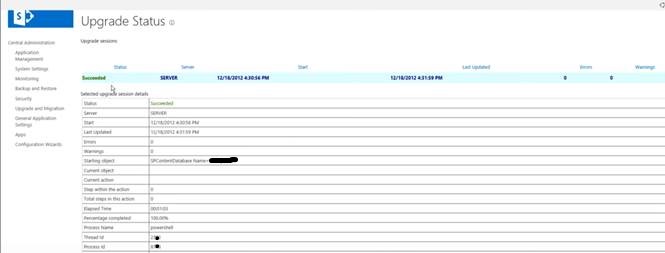
Once command successful and 100% completed.
Go to Central Admin and click on Upgrade and Migration
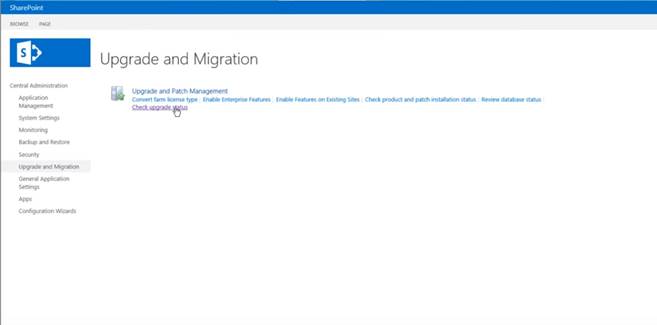
You may look at upgrade status here.
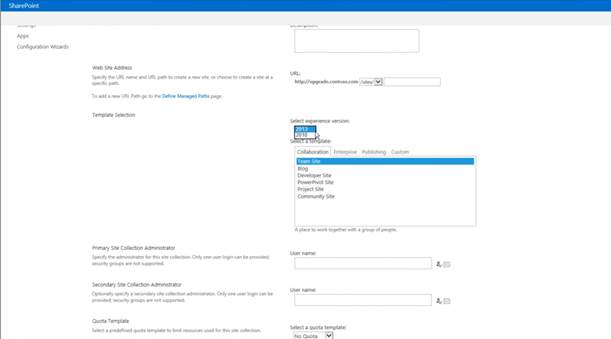
Now you can create new Site Collection for your web application.
You may see a new option “Select experience version”
Now open the site url in SharePoint 2013 environment.
Go to Site Actions->Site Settings
Within Site Collection Administration there will be an option “Site collection upgrade”
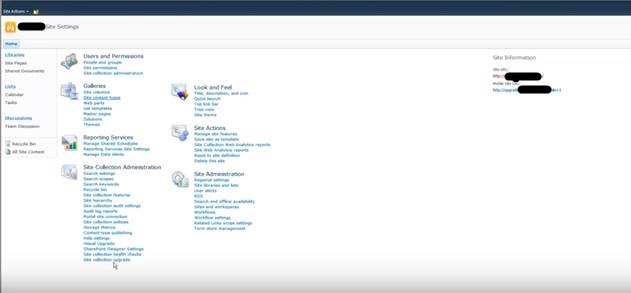
Next, You will see below screen.

Note: Here you may try a Demo upgrade also, which will expire within given duration.
To upgrade finally, click on “Upgrade this site collection” button. It will show status.
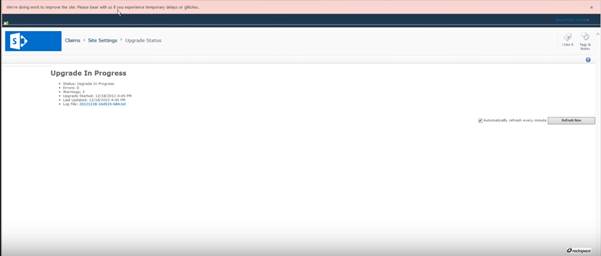
Note: Content Database only allows 10 simultaneous site collections to be upgraded.
That’s all for upgrading from SharePoint 2010 to SharePoint 2013











Leave a Reply